Month 1 of my YouTube side hustle: 14 videos uploaded, 320 total views, and exactly $0.00 in revenue. It took me 9 months of consistent effort to finally meet the YouTube Partner Program (YPP) requirements and see my first cent. Many people jump into video creation expecting immediate passive income, but the reality is a slow grind involving meticulous niche selection strategy and constant tracking of metrics like CPM (Cost Per Mille) and RPM (Revenue Per Mille). Understanding your estimated monthly earnings early on is not about vanity; it is about treating your channel like a real business from day one.
How does a YouTube income calculator help with side hustle planning?
A YouTube income calculator estimates potential earnings by analyzing your average views and the typical ad rates for your specific niche. These tools allow creators to set realistic financial goals and understand how many views are required to cover their video production costs. By inputting different scenarios, you can visualize how changes in your subscriber retention rate might impact your long-term bottom line.
Predicting your channel growth timeline
Establishing a realistic growth trajectory requires looking at more than just a subscriber count. I used a YouTube income calculator to determine that I needed roughly 50,000 monthly views in my specific tech niche to cover my $150 monthly video editing software costs and equipment depreciation. This data-driven approach prevented me from burning out when my initial growth felt slow. It helps you shift focus from viral hits to sustainable growth patterns.
The role of cost per view in revenue estimation
Cost Per View (CPV) varies wildly depending on your audience's location and the time of year. During my second year, I noticed my CPV doubled during the November-December holiday season because advertisers were willing to pay more for ad placement strategy. Using a calculator helped me realize that producing more content during high-CPM months was a more efficient use of my limited side-hustle hours than grinding equally all year round.
| Metric Category | My Manual Tracking | External Estimator Tools | Observation |
|---|---|---|---|
| Monthly Revenue | $142.50 | $125.00 - $160.00 | Highly accurate range |
| Average RPM | $4.15 | $3.80 - $5.20 | Calculators tend to be optimistic |
| Views Required for $100 | 24,096 | 22,000 - 26,000 | Useful for goal setting |
Why understanding CPM and RPM is vital for your side income

CPM represents what advertisers pay for 1,000 impressions, while RPM is the actual amount you take home after YouTube's 45% cut and other factors. Distinguishing between these two is critical for any side hustler who wants to avoid overestimating their actual take-home pay. While CPM tells you how much advertisers value your niche, RPM tells you the actual health of your side income stream.
According to data analyzed by GoogieTools, high-quality calculators offer an 80-90% revenue prediction accuracy for established channels by factoring in niche-specific variables.
Niche selection strategy and its impact on rates
Not all views are created equal in the world of YouTube SEO optimization. When I experimented with a general vlog, my RPM struggled to stay above $1.50. However, when I pivoted to a finance-focused niche, my RPM jumped to over $9.00 for the same amount of effort. A revenue calculator can show you that 10,000 views in a high-paying niche are often worth more than 100,000 views in a low-paying one, which is a vital lesson for anyone with limited time.
Diversifying with affiliate marketing income and sponsored content
Relying solely on Google AdSense approval is a risky strategy for a side hustle. As my channel grew, I integrated affiliate marketing income and negotiated sponsored content rates based on my average watch time and engagement metrics. Calculators often miss these revenue streams, but they provide the baseline data needed to pitch to brands. I found that my sponsored content often paid 3x what my monthly AdSense generated once I hit 5,000 subscribers.
- Ensure financial stability through accurate revenue forecasting and goal setting.
- Maximize video exposure and profit by focusing on YouTube SEO optimization.
- Save time by automating complex math, allowing more focus on content creation.
The business side of a YouTube side hustle

Treating YouTube as a business means accounting for taxes, registration, and overhead costs. In my experience, failing to track your equipment investment ROI can lead to a situation where you are technically losing money despite receiving monthly payments from Google. You must account for the legal and fiscal responsibilities that come with being a creator.
Managing global income tax and business registration
Once your side income reaches a certain threshold, you must consider individual business registration. In my case, I had to prepare for Global Income Tax (romanized from Gonghap Sodeukse) to ensure I remained compliant with local regulations. This is where the reality of the side hustle grind hits hardest—it is not just about making videos; it is about managing a legitimate enterprise with its own tax liabilities.
Calculating equipment investment ROI and production costs
I spent $1,250 on a new camera and lighting setup in my second year. By using a revenue calculator, I could see that this investment would take approximately 14 months to pay for itself based on my current growth rate. This perspective is essential for avoiding the trap of over-spending on gear before your channel can support it. Always weigh your video production costs against your actual earnings to maintain a healthy profit margin.
Q: How reliable are the income calculators found online?A: For reputable channels, high-quality calculators like GoogieTools show 80-90% accuracy. They provide a solid baseline for planning, though actual numbers vary based on viewer demographics.
Q: Can I calculate the revenue of a channel I do not own?
A: Yes, you can estimate the profitability of any public channel using its publicly available views and subscriber data. This is a great way to research a niche before starting.
Q: Do these calculators account for YouTube Premium revenue?
A: Yes, most advanced calculators factor in the estimated percentage of viewers with Premium subscriptions to provide a more comprehensive revenue forecast.
Final thoughts on YouTube as a sustainable income stream
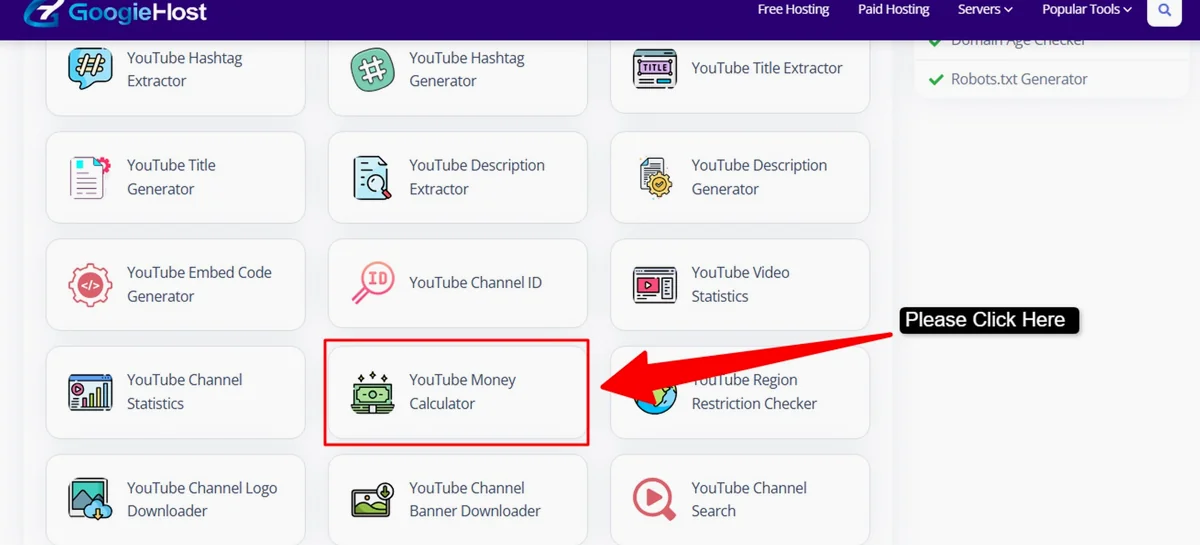
Building a YouTube side hustle is a marathon, not a sprint, and using a revenue calculator is like having a map for that journey. It keeps your expectations grounded in data rather than hype. While the dream of passive income is attractive, the actual work involves monitoring your thumbnail click-through rate (CTR), managing copyright claim impacts, and potentially joining a Multi-Channel Network (MCN) as you scale. Start by calculating your current potential, set a small goal like covering your software costs, and grow from there. What has been your biggest challenge in tracking your digital earnings?
Frequently Asked Questions
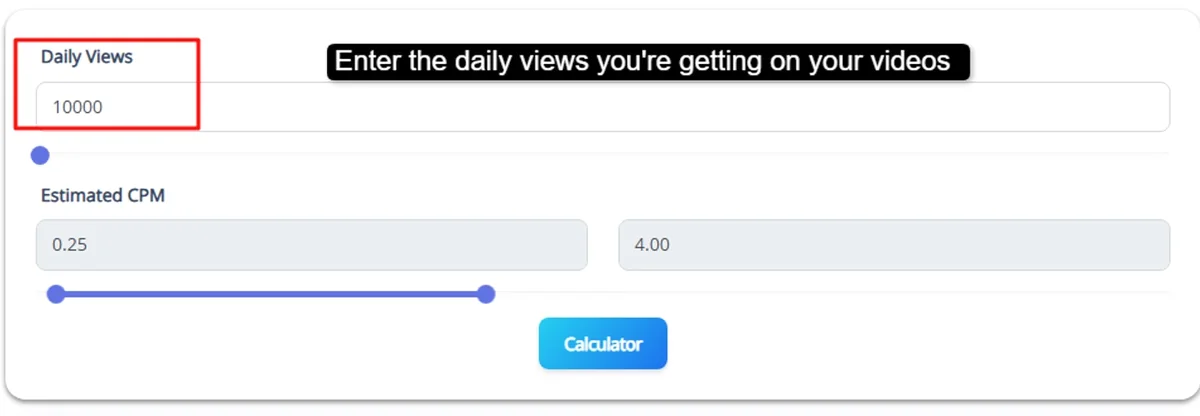
Which is the best YouTube income calculator for tracking side income?
The best YouTube income calculator tools are often free web-based platforms like Social Blade, Noxinfluencer, or Influencer Marketing Hub. These tools provide a reliable estimate of potential passive income by analyzing your channel's public data. They are excellent for beginners trying to understand their RPM (Revenue Per Mille) and CPM (Cost Per Mille). When choosing a calculator, look for one that allows you to adjust the CPM based on your specific niche, as finance channels usually earn significantly more than gaming or lifestyle vlogs.
Is using a YouTube income calculator worth it for new creators?
Yes, using a YouTube income calculator is highly worth it because it helps you treat your YouTube side hustle like a real business from day one. For many, the journey to Google AdSense Approval feels like a slow grind; a calculator provides a tangible goal by showing how much extra money you could earn at various view counts. By calculating your projected monthly earnings, you can better plan your content strategy and manage your expectations before officially joining the YouTube Partner Program (YPP).
How accurate are YouTube income calculator reviews and results?
YouTube income calculator results are generally estimates rather than exact figures because your actual income depends on fluctuating CPM and RPM rates. While these tools provide a helpful range for planning your side income, they cannot account for specific factors like viewer location, average watch time, or seasonal ad spend changes. Most creator reviews suggest using these calculators as a benchmark for growth rather than a definitive financial statement. For the most accurate data, compare calculator estimates with your actual YouTube Studio analytics.
How much does a YouTube income calculator cost to use?
Most YouTube income calculator tools are completely free to use and do not require any upfront investment. Popular platforms offer basic estimation features for free, which is perfect for creators looking to track their potential passive income or side hustle progress. While some advanced platforms might offer premium subscription tiers for detailed competitor insights or deep-dive niche analytics, the free versions available online are more than sufficient for simply calculating your estimated monthly revenue based on views and average CPM.
How long does it take to see YouTube income calculator results reflected in my bank account?
A YouTube income calculator only provides projections; you will only see actual money in your bank account after meeting the YouTube Partner Program (YPP) requirements. Typically, this involves reaching 1,000 subscribers and 4,000 watch hours. Once you receive Google AdSense Approval, your earnings are tracked in real-time. Most creators find that it takes several months of consistent posting before their actual RPM matches the passive income dreams suggested by the calculator. Use the tool to stay motivated during the initial growth phase.